Partiu Teams
Your company's workplace, brought together in one app. Chats, teams and channels, calls and meetings, whiteboards, collaborative documents and spreadsheets, files, people, and calendar, with the speed your team needs to work together.
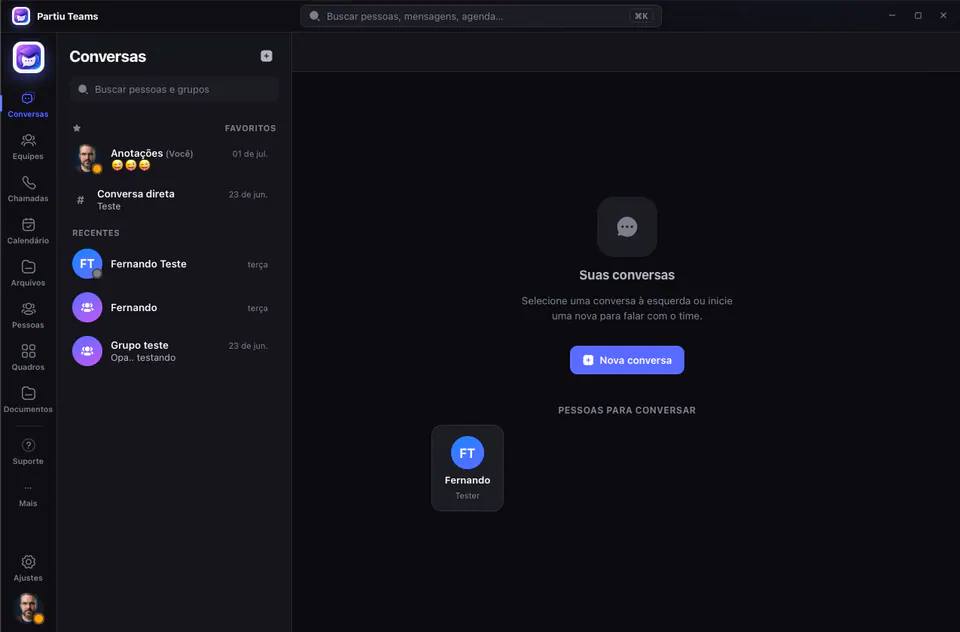
Everything your team needs to work together
Light and fast, connected directly to the Partiu Formatura ecosystem. Real-time messages, calls, calendar, whiteboards, and collaborative documents, all without relying on a browser.
Real-time chats
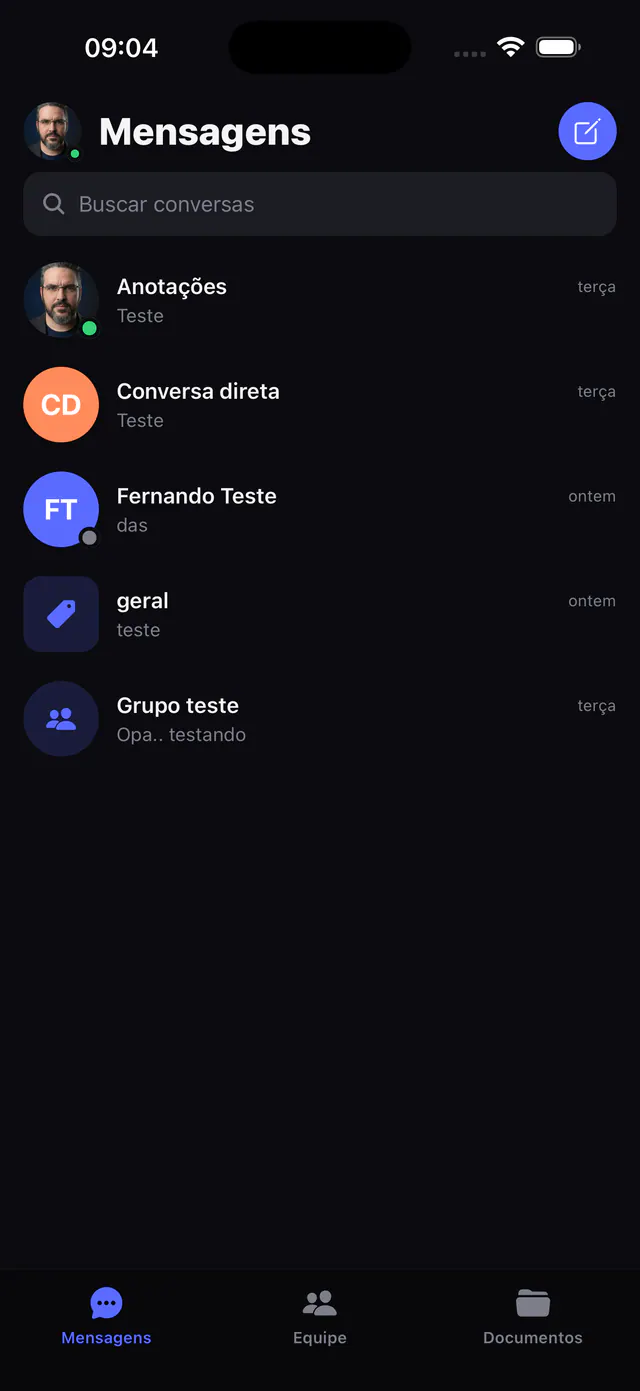
Direct messages and groups with presence, last-message previews, unread counters, and mentions.
Teams & channels
Organize work into teams with public or private channels, threads, and topics. Join public teams in one click.
Calls and meetings
Start audio and video calls, review your history, and join calendar meetings with one tap, integrated with Partiu Meet.
Rich messages
Lightweight markdown (bold, code, @mentions), quick reactions, attachments, threads, and smart grouping by author and day.
Command palette
Press ⌘K (Ctrl+K) to find people, channels, and actions instantly, navigating everything from the keyboard.
Company-wide collaboration
The whole company in one place: chat with any person or department, work together on live whiteboards, documents, and spreadsheets, and see who is online. Collaboration happens in real time, across every team.
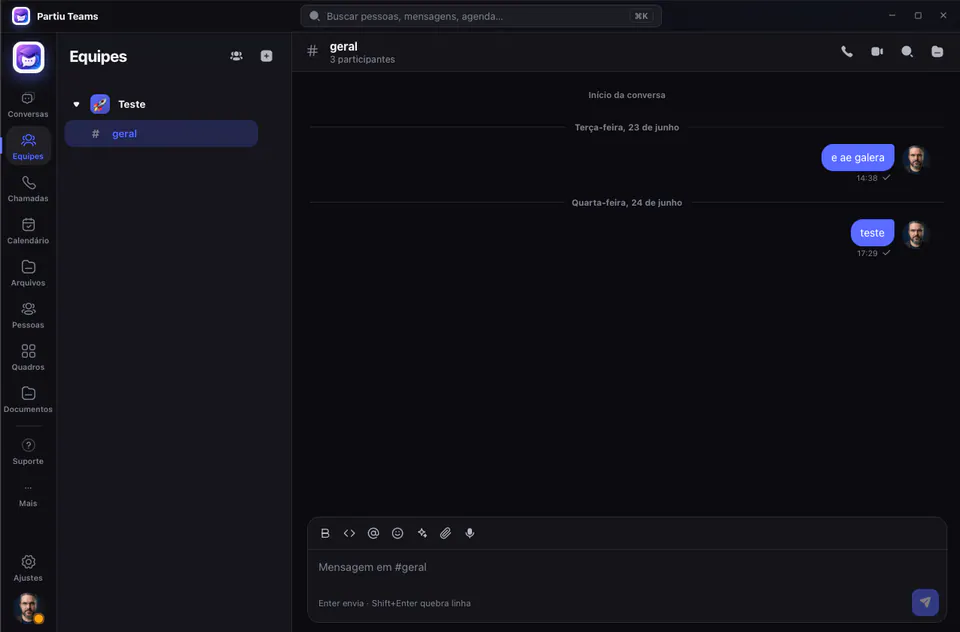
Organize work by team
Create teams with public or private channels, topics, and threads. Each channel keeps its full history, shows who is online, and includes a message bar with markdown, mentions, emojis, attachments, and audio. Join public teams in one click and keep track of everything with unread counters.
- Public or private channels for each team
- Threads, topics, and full history
- Markdown, mentions, emojis, attachments, and audio
- Join public teams in one click
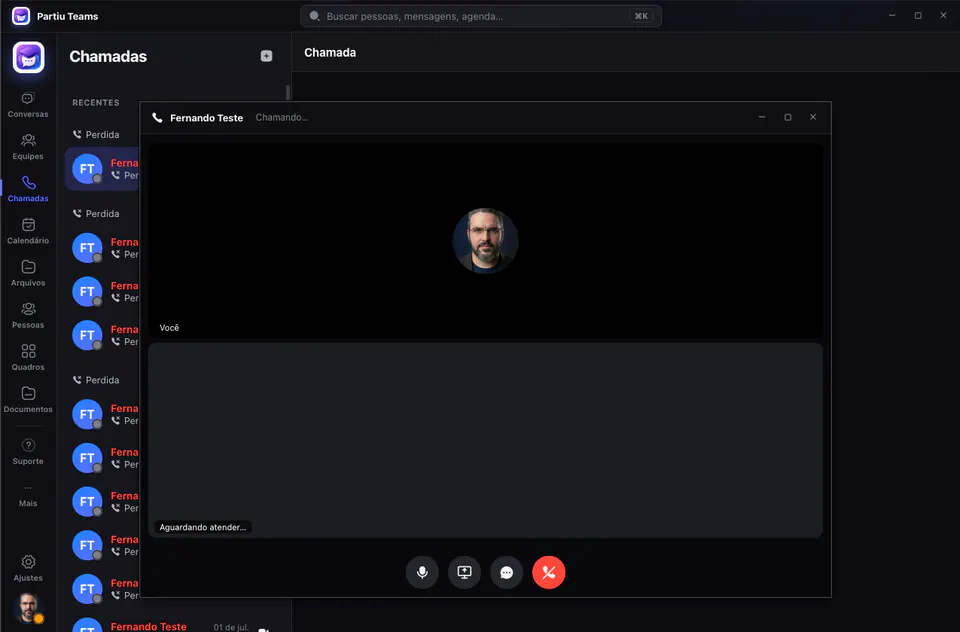
Talk to your team right away
Start audio and video calls straight from a chat, with a history of recent and missed calls so you can pick things up quickly. Share your screen, switch microphones, and join calendar meetings with one tap, all integrated with Partiu Meet.
- Audio and video calls straight from a chat
- History of recent and missed calls
- Screen sharing and microphone controls
- Meetings integrated with Partiu Meet
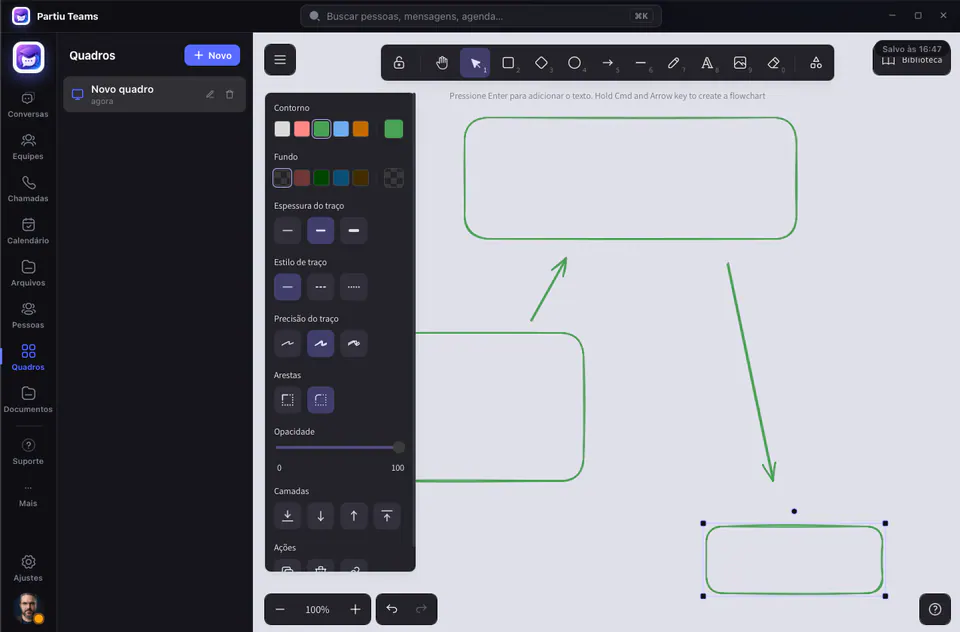
Create together, in real time
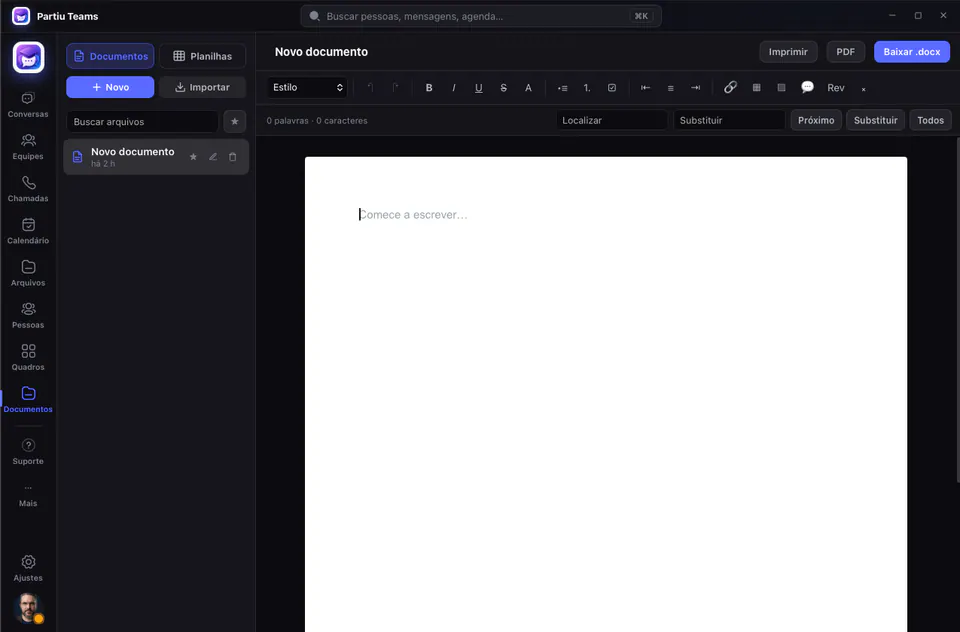
Infinite Draw-style whiteboards to sketch ideas, flows, and drafts with your team. Plus a complete Documents and Spreadsheets module, with import and export of real .docx and .xlsx files, PDF export, and printing, without leaving the app.
- Infinite Draw-style whiteboards
- Collaborative documents and spreadsheets
- Import and export real .docx and .xlsx files
- PDF export and printing
Team appointments in one place
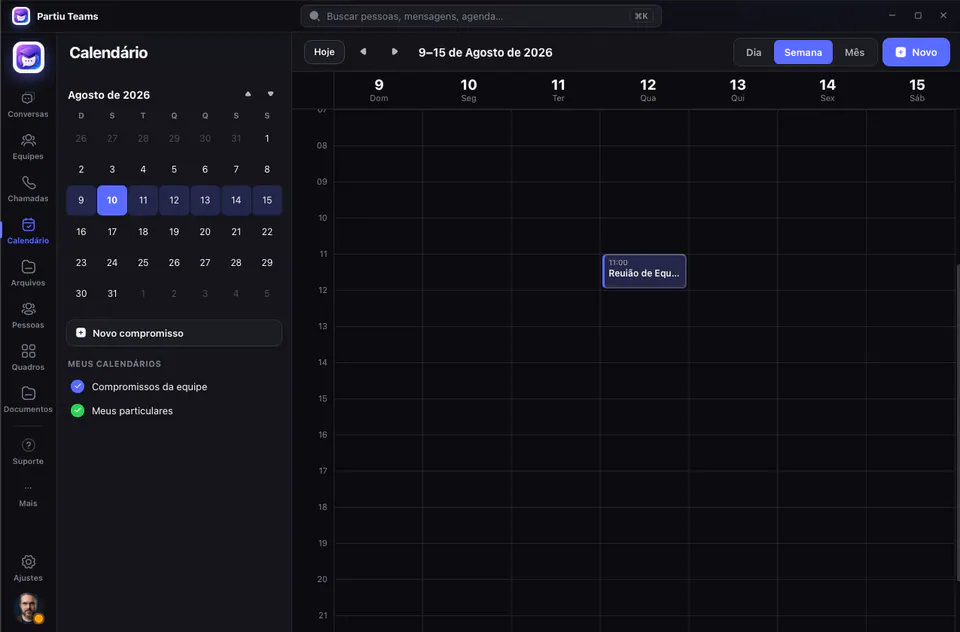
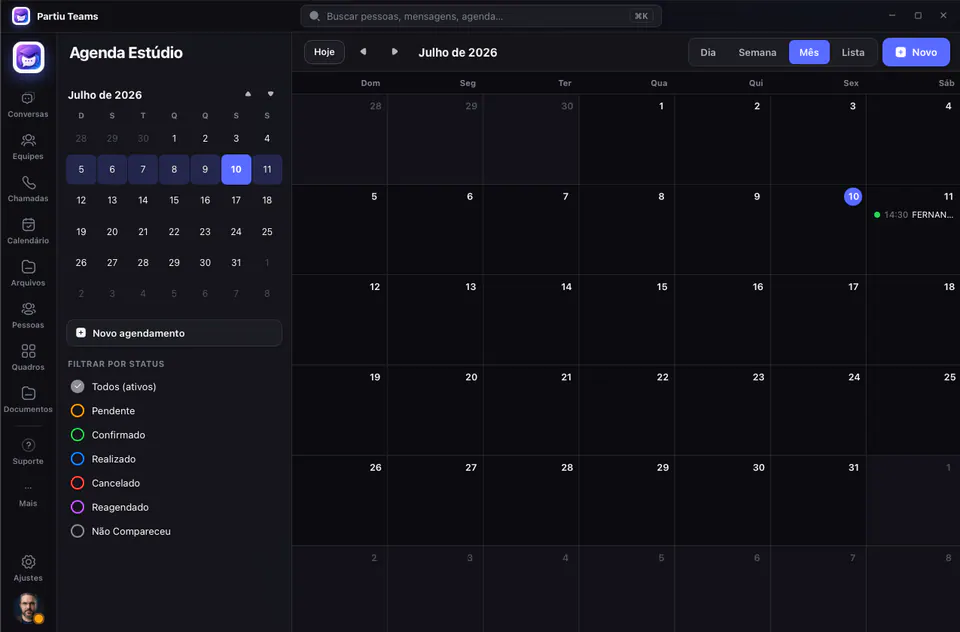
View appointments by day, week, or month, keeping the team calendar separate from your personal one. Meetings show a “live” banner, participants, and a direct way into the room. Depending on your company permissions, the app also shows the Studio Schedule with bookings by status.
- Day, week, and month views
- Team calendar and your personal calendar
- “Live” banner and direct meeting access
- Studio Schedule with status (based on permissions)
One app, many workspaces
Move between modules from the side menu. Everything is connected, with unified search in the command palette (⌘K). Some modules, such as Schedule, Studio Schedule, and Graduates, appear according to your company permissions.
Chats
Direct messages and groups with pinned and recent chats, search, presence, and unread counters.
Teams & channels
Workspaces with public or private channels, threads, and topics. Join public teams in one click.
Calls
Audio and video calls with history and quick callback, integrated with Partiu Meet.
Calendar
Meetings by day, a “live” banner, participants, and one-tap access to the room.
Whiteboards
Infinite whiteboards to sketch ideas, flows, and drafts in Draw style, right in the app.
Documents & Spreadsheets
Create and edit documents and spreadsheets inside the app, with import and export of real .docx and .xlsx files.
Files
Everything shared in chats and channels, with filters by type and fast search.
People & org chart
Directory by department, full profiles, a shortcut to start a chat, and the company org chart as a tree.
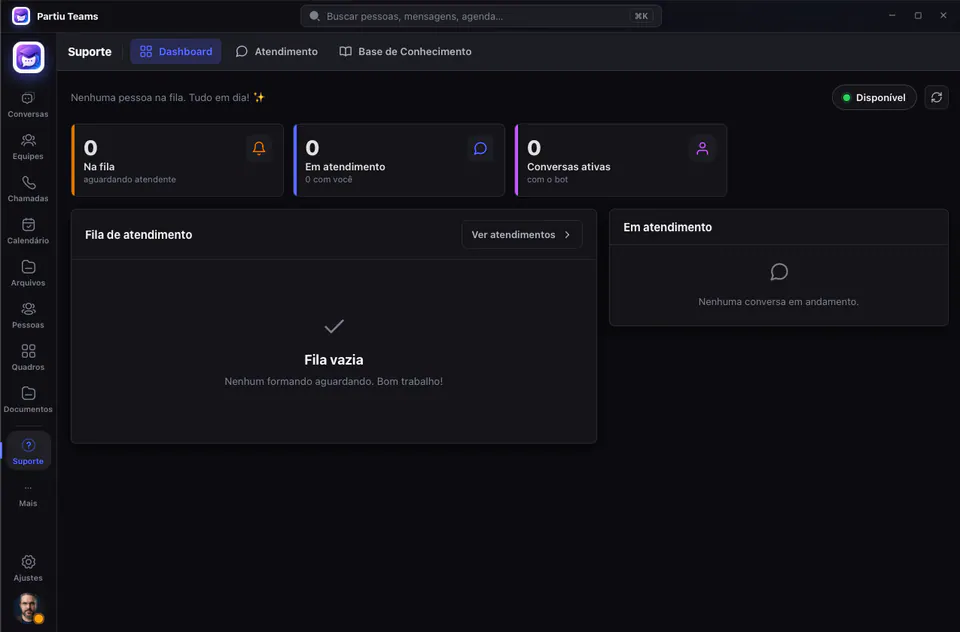
Support
Integrated service and tickets, without switching apps.
Much more than chat
Documents, support, the studio schedule, and complete graduate records, all inside the same app.
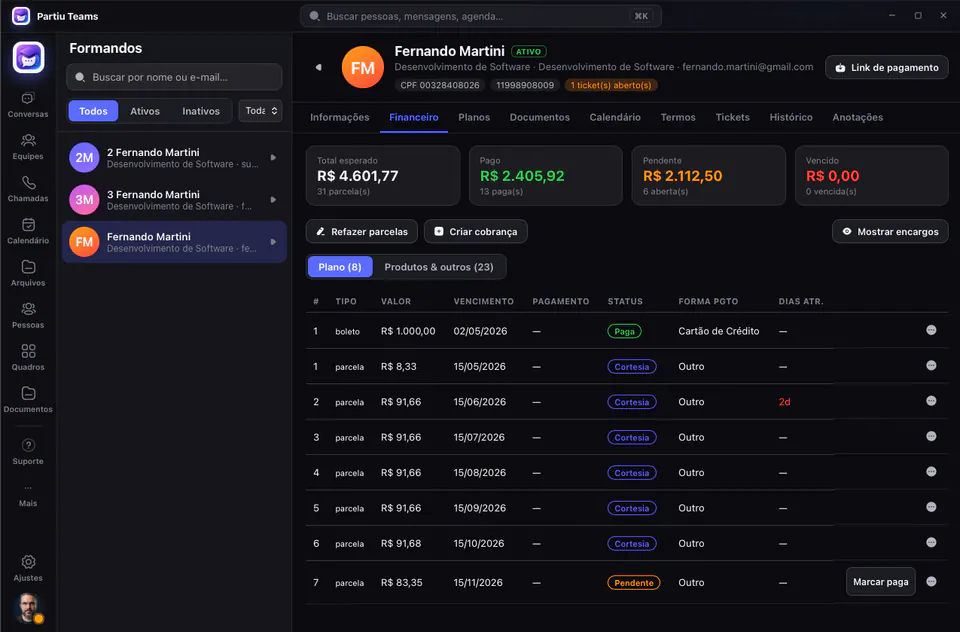
Take your team on your phone
Partiu Teams is also a native app for iPhone and Android. Your chats, teams, documents, and calls in the palm of your hand, with real-time notifications. Download it from the store, sign in with your company account, and pick up where you left off on the desktop.
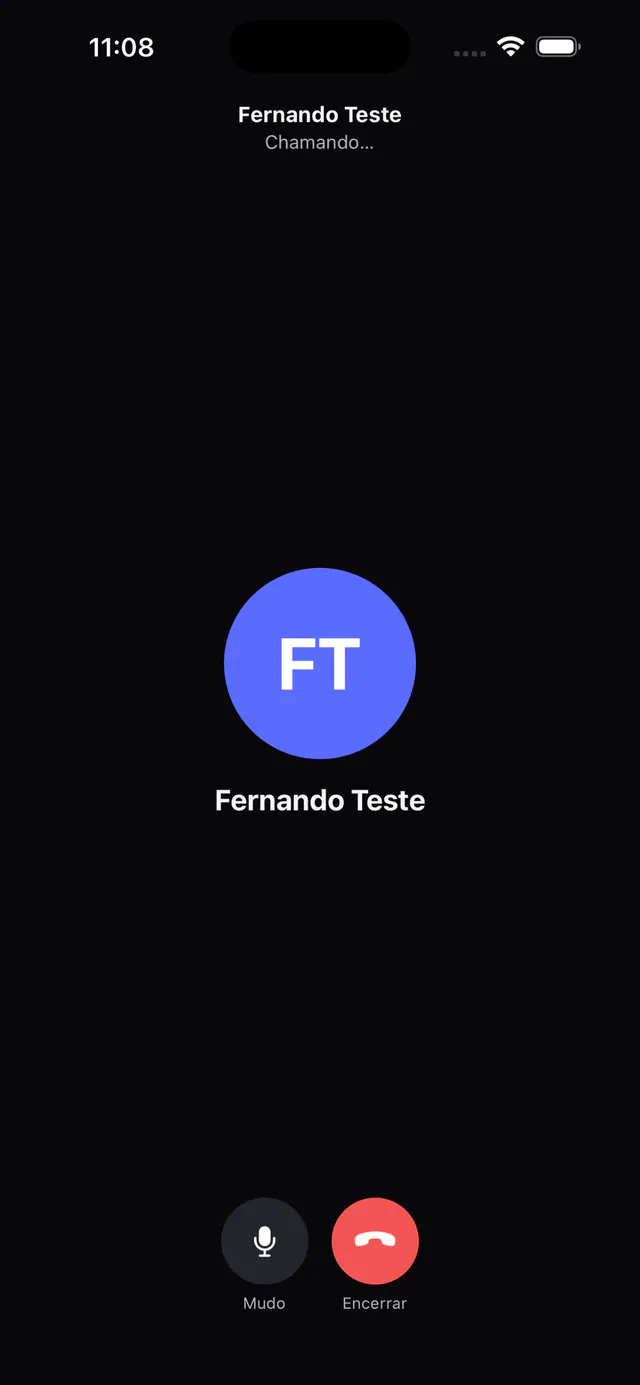
From sign-in to your first chat in seconds
Download and install
Choose the version for your system (macOS or Windows), or download it from the App Store or Google Play, and finish installing in seconds.
Sign in
Sign in with your Partiu Formatura account. Your session token is kept in the system's native vault.
Join your teams
Your chats, teams, and channels appear right away. Join public channels in one click.
Start chatting
Send messages, start calls, and join meetings, all in real time, on desktop or mobile.
Works on your computer and phone
- macOSmacOS 11 (Big Sur) or later · Apple Silicon (M1/M2/M3)
.dmg - WindowsWindows 10 or 11 (64-bit) ·
.exe(NSIS) or.msiinstaller · requires WebView2 - iPhone & AndroidNative app on the App Store and Google Play, with real-time notifications
- AccountSign in with your Partiu Formatura account · token stored securely in the system's native vault
Download Partiu Teams
Choose the version for your operating system.
On macOS, if you see an “unverified app” warning, right-click the app and choose Open. On Windows, click More info → Run anyway in SmartScreen.